

4K/HDR Wallpaper App
Beautiful 4K/HDR Wallpapers


Free app with in-app purchases
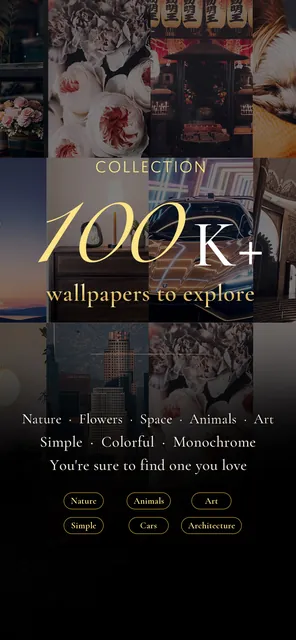
Over 100,000 wallpapers, each hand-picked with care and delivered in gorgeous 4K/HDR quality — with new wallpapers added every day since its launch in 2013.
For the screen you see every day, a little more beauty.
Screenshots
Drag / arrow keys to browse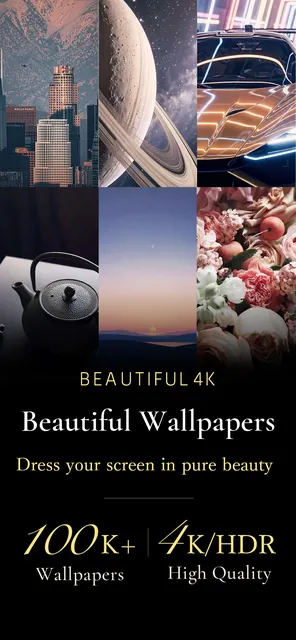
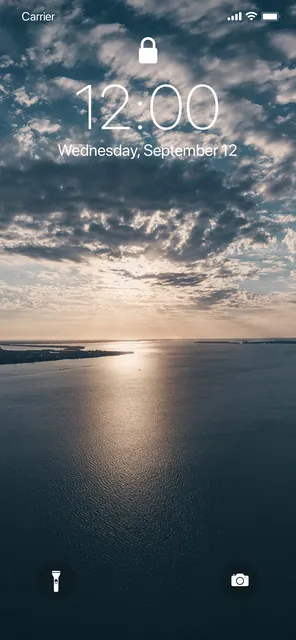
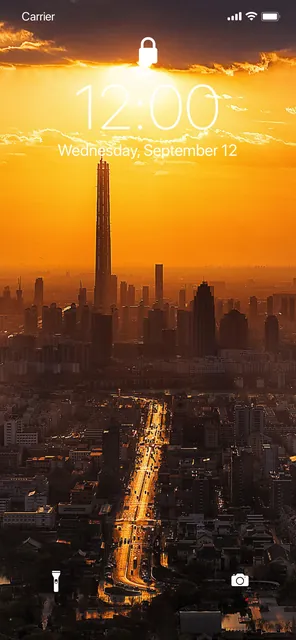
About the App
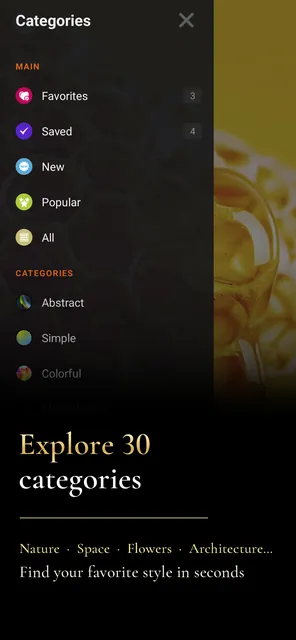
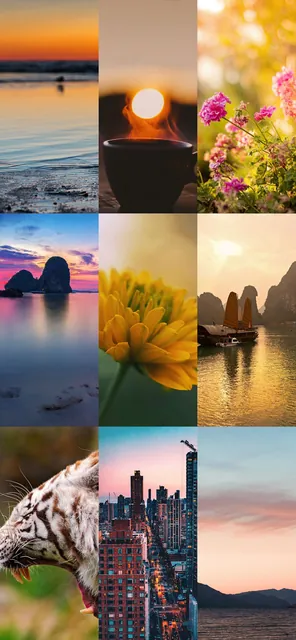
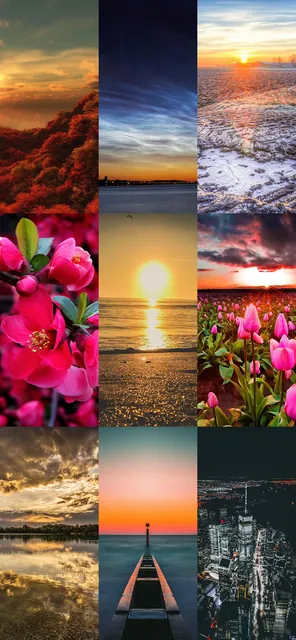
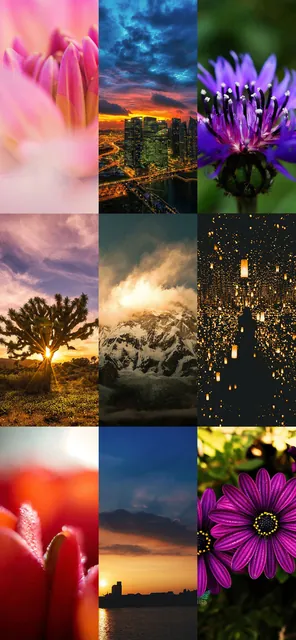
The collection is carefully organized into 30 categories — breathtaking nature photography, cosmic scenes and delicate flower close-ups; calm minimalist patterns, colorful abstract art, playful 3D designs and heart-warming illustrations. From sleek architecture and cars to dogs, cats, and artistic masterpieces.
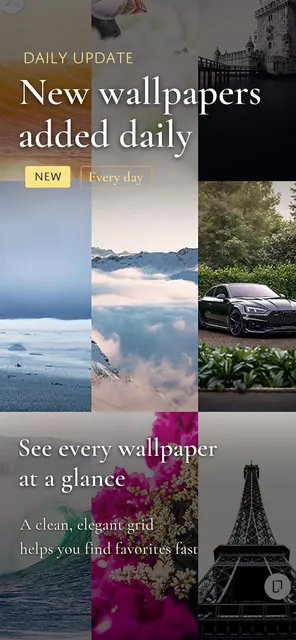
Quality comes first. Nothing is bulk-collected — every image is selected individually, by human eyes. New wallpapers are added every day, so there is always something fresh to discover.
Turn on slideshow mode and let wallpapers cycle automatically, like watching your own gallery unfold. The page-jump slider takes you straight to the one you are after.
Your lock screen carries the clock and notifications, while app icons sit on top of your home screen. A photograph with a clear subject suits the lock screen; a calm tone or a simple pattern keeps home screen icons easy to read.
30 Wallpaper Categories
- Abstract · Simple · Colorful · Monochrome
- Nature · Universe · Flowers · Plants
- Architecture · Interior · Objects · Cars · Bikes · Vehicles
- People · Animals · Dogs · Cats · Creatures
- Art · Illustrations · Cute · Love · Holiday
- Food & Drinks · Typography · 3D · Funny
Features
Save wallpapers and set them as your home or lock screen with one tap
Thirty curated categories for easy discovery
Latest and popular wallpaper collections
A personal favorites list for quick access
Long-press a thumbnail to quickly add or remove it from Favorites or Saved (iPhone)
The app follows your device’s light or dark mode automatically (iPhone)
Wallpapers shift subtly as you tilt your device (iPhone)
High-resolution thumbnail gallery and full-screen preview
Share via social media, messaging apps, and email
Fresh wallpapers added every day
Push notifications when new wallpapers arrive
Slideshow mode plays wallpapers automatically for relaxed browsing
A page-jump slider to move anywhere in the gallery instantly
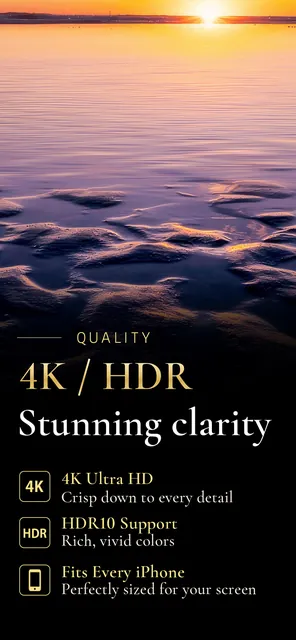
Included resolutions: 4K (2160×3840), 2K/WQHD, Full HD, HD, and tablet sizes — beautifully fitted to every iPhone, iPad, and Android screen. The app has been updated to support the latest iPhone 18 series.
How to Set a Wallpaper
iPhone & iPad
Pick a wallpaper from a category, Latest or Popular, and open it full screen.
Tap the save button, and the wallpaper is saved to the Photos app.
Open it in Photos, tap the share button and choose “Use as Wallpaper” (or go to Settings → Wallpaper → Add New Wallpaper).
Adjust the position, tap “Add”, then set it as a pair for the lock and home screens, or customise the home screen separately.
Android
Pick a wallpaper and open it full screen.
Tap the set-wallpaper button to apply it straight from the app. You can also save it to your device’s gallery.
FAQ
Is Beautiful 4K/HDR Wallpapers free?
Yes. Browsing, saving and setting wallpapers are all free, with optional in-app purchases.
Which devices are supported?
iPhone and iPad via the App Store, and Android phones and tablets via Google Play. Resolutions from 4K (2160×3840) down to tablet sizes are included, so wallpapers look beautiful on any screen. The app has been updated to support the latest iPhone 18 series, including the iPhone 18 Pro and iPhone 18 Pro Max.
How do I set a wallpaper?
Save any wallpaper with one tap and set it as your home or lock screen.
Are new wallpapers added?
Yes. The app has been updated continuously since its launch in 2013, and new wallpapers are added every day.
Are the wallpapers copyright-safe?
All wallpapers are copyright-free images, selected individually for this application.
Can I remove the ads?
Yes. Ads can be removed with an in-app purchase.
Download
All wallpapers are copyright-free images, carefully selected for this application.
More Apps
 Ukiyo-e WallpapersJapanese Woodblock Art App
→
 Law of AttractionWish & Habit Support App
→
 Relaxing HealingSleep & Relaxation Sounds App
→
← Back to Home